Are you looking for the best cursive fonts in Microsoft Word to add style and individuality to your documents? Whether you're writing a personal letter, designing an invitation, or making a presentation, choosing the right cursive font may make all the difference. Microsoft Word has several cursive fonts that may help bring your projects to life with their distinct styles and flourishes. In this post, we'll look at some of the best cursive fonts available to use in Microsoft Word, ideal for any occasion or project that needs something different.
Elegant and Sophisticated Fonts
Felicity Aubrielle Cursive Script Font
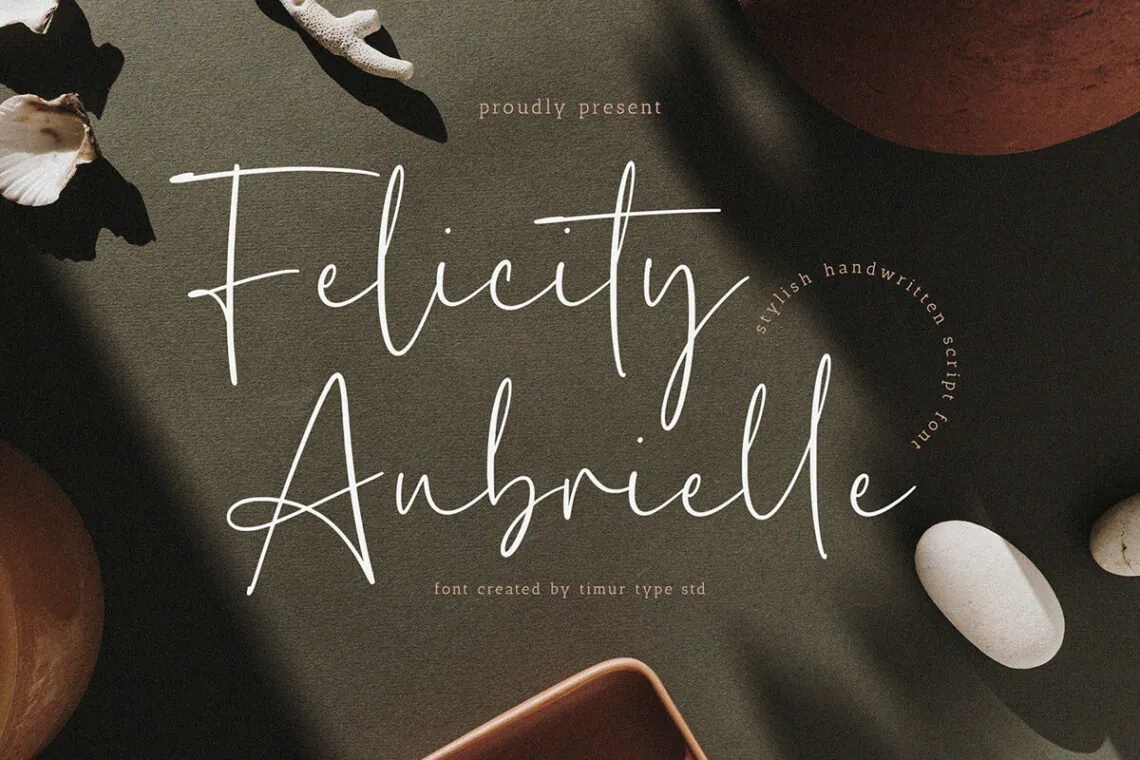
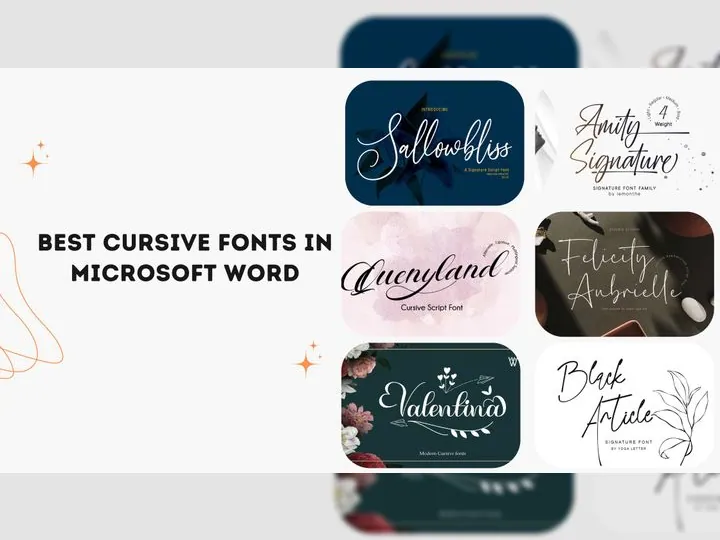
Felicity Aubrielle brings sophistication and elegance to designs. Ideal for logos, packaging, and greeting cards, this handmade font enhances headlines, posters, and branding with its natural charm.
Also Read: 15+ Best DaFont Fonts for 2024
Richard Hampton Cursive Script Font
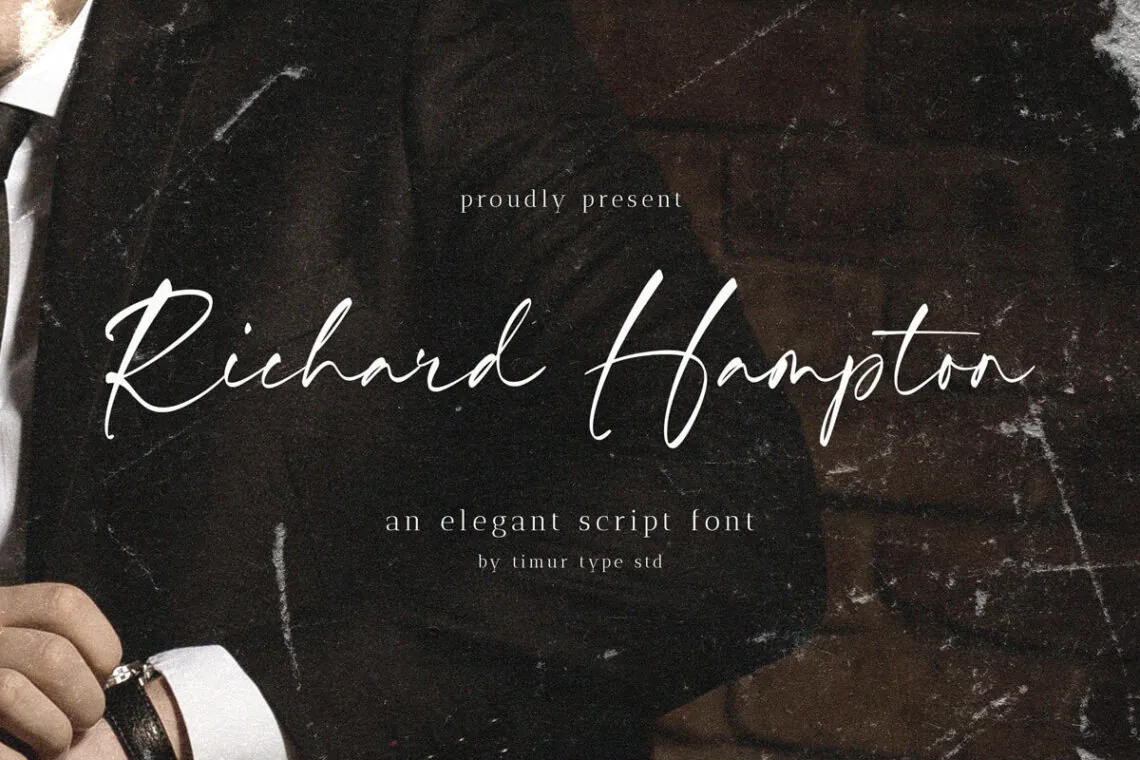
With its calligraphic style, Richard Hampton offers elegance and natural beauty. It's perfect for adding an attractive touch to logos, packaging, and greeting cards.
Valentina | Cursive font
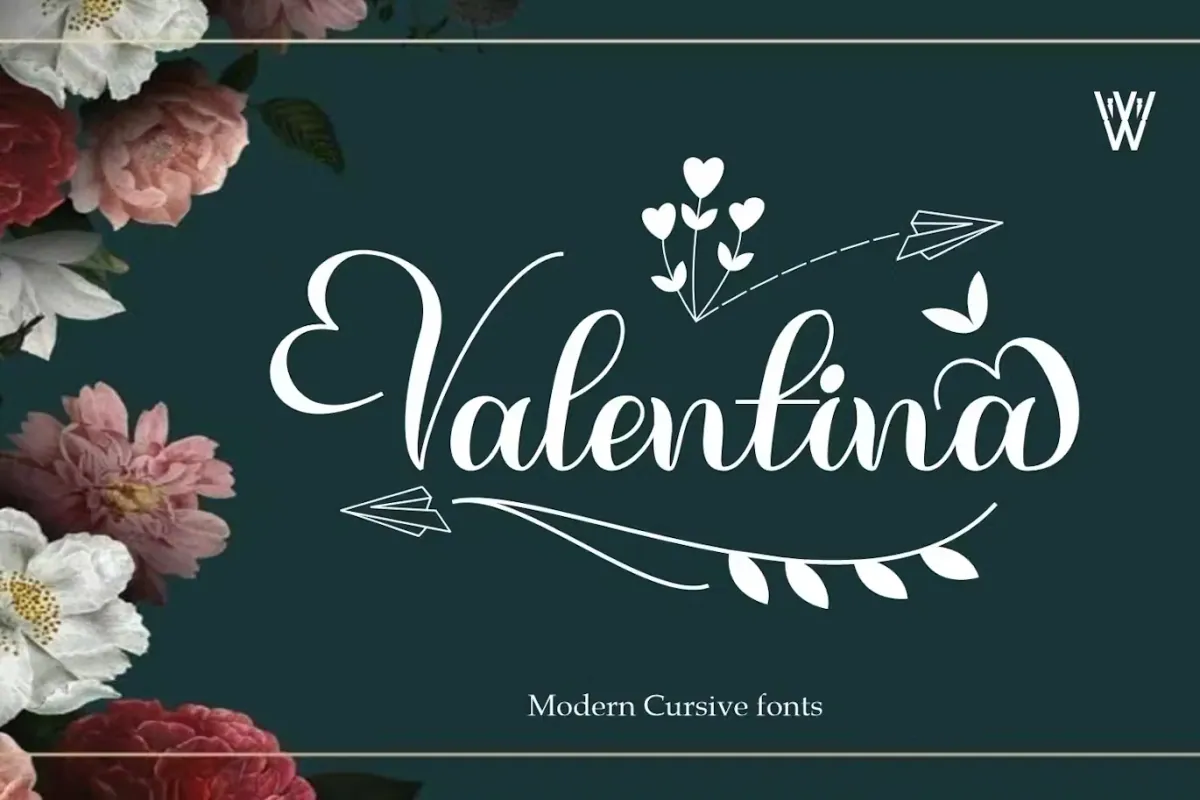
Inspired by Valentine's Day, Valentina exudes elegance and relaxation. Suitable for a variety of design needs, from holiday celebrations to wedding invitations.
Stylish and Versatile Fonts
Amity Signature Cursive Font
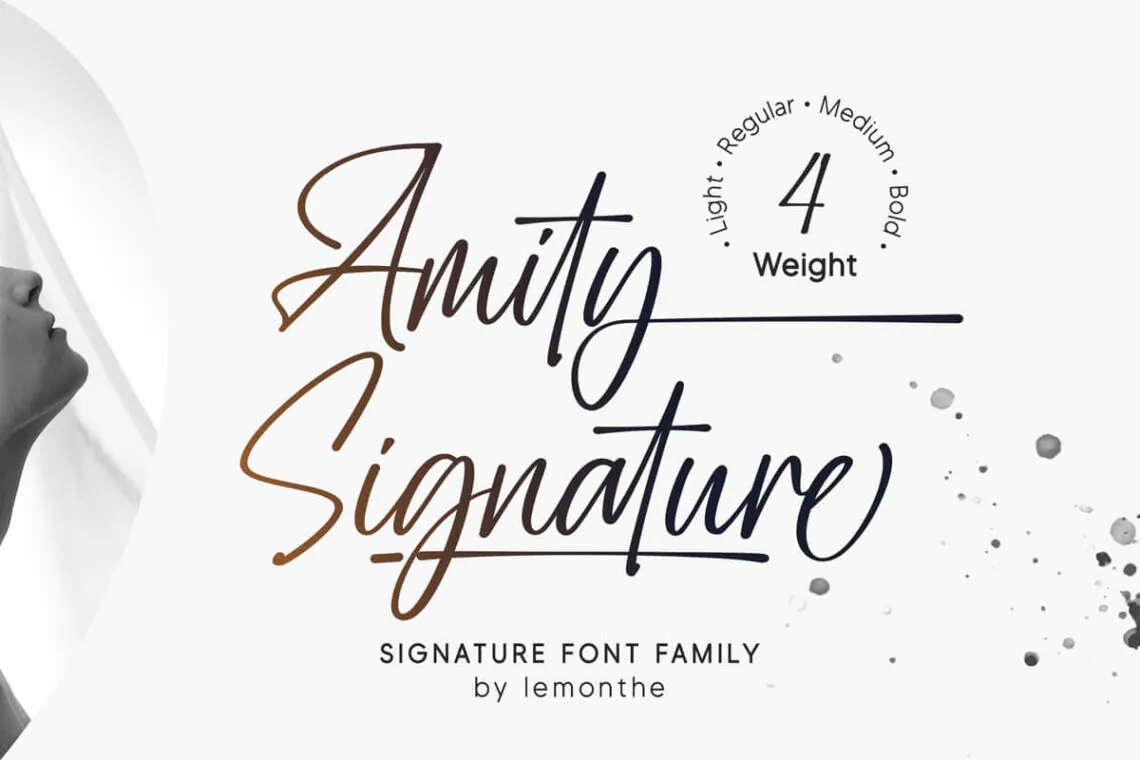
Amity is stylish and flexible, providing a beautiful effect for all designs. It's excellent for logos, branding, signatures, and invitations, offering both beauty and flexibility.
Also Read: The Top 25 Timeless Serif Fonts for Web Design in 2024
Moonstone History Signature Cursive Font
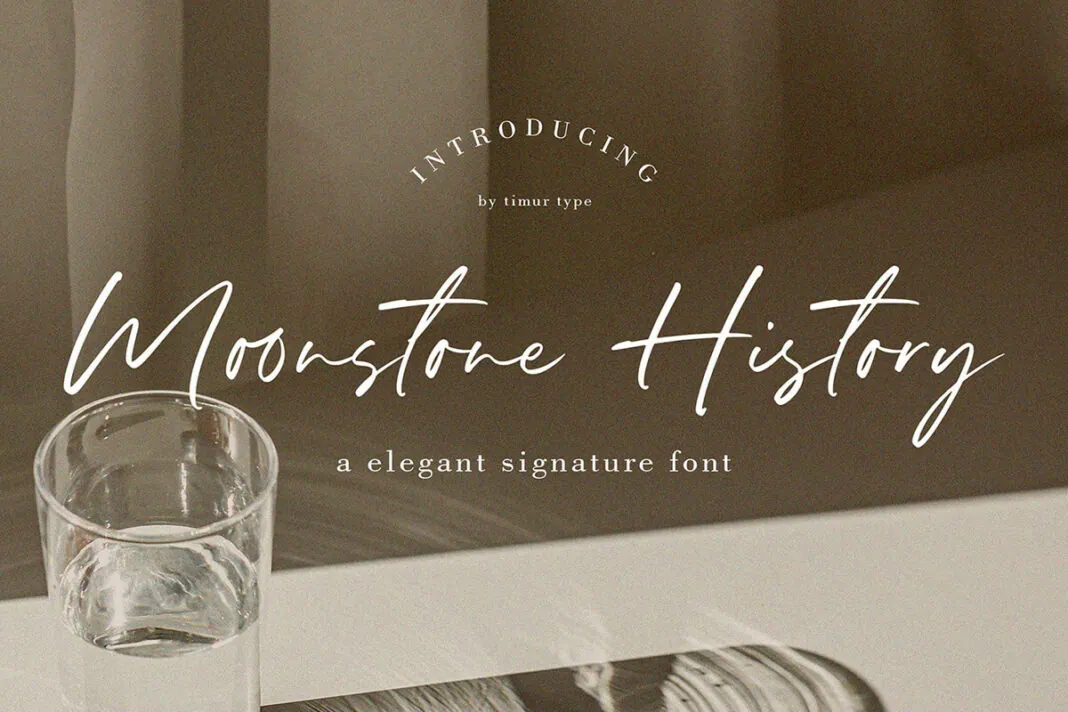
Moonstone History is a graceful font ideal for branding, photo overlays, and social media posts. Its flowing script style is synonymous with elegance.
Sallowbliss Cursive Script Font
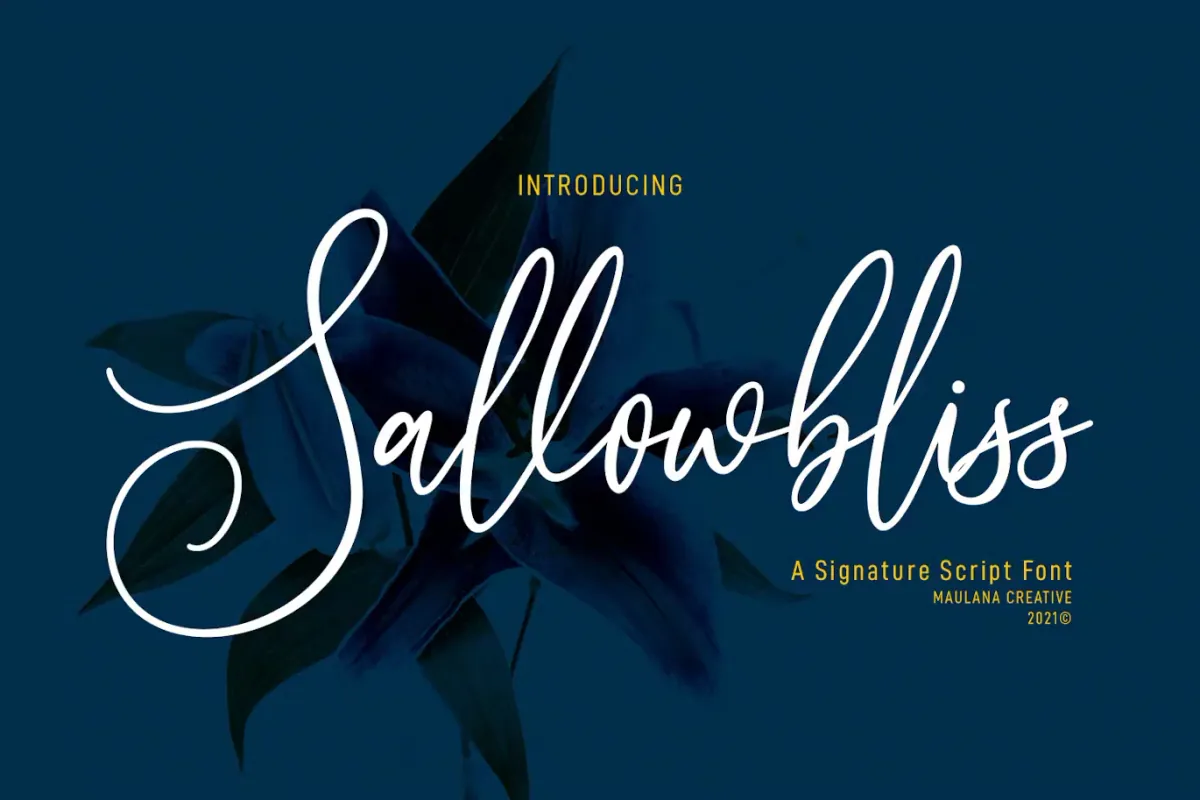
Sallowbliss is a feminine signature font with light strokes and fun characters. Perfect for logos, social media, and movie titles, it works well as a secondary text font alongside sans or serif styles.
Unique and Creative Fonts
Black Article Signature Cursive Font
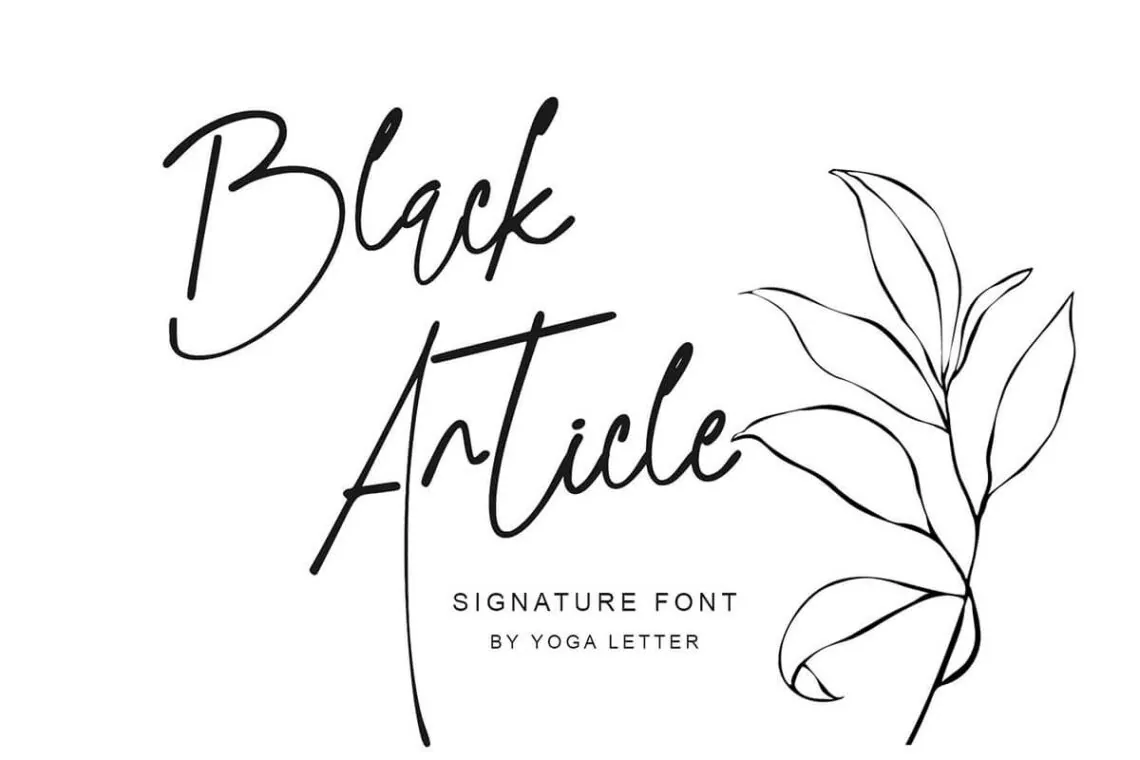
Black Article stands out with its slim lines and elegant curves, perfect for those passionate about typography. It adds sophistication to any design project.
Cursive Brush Script
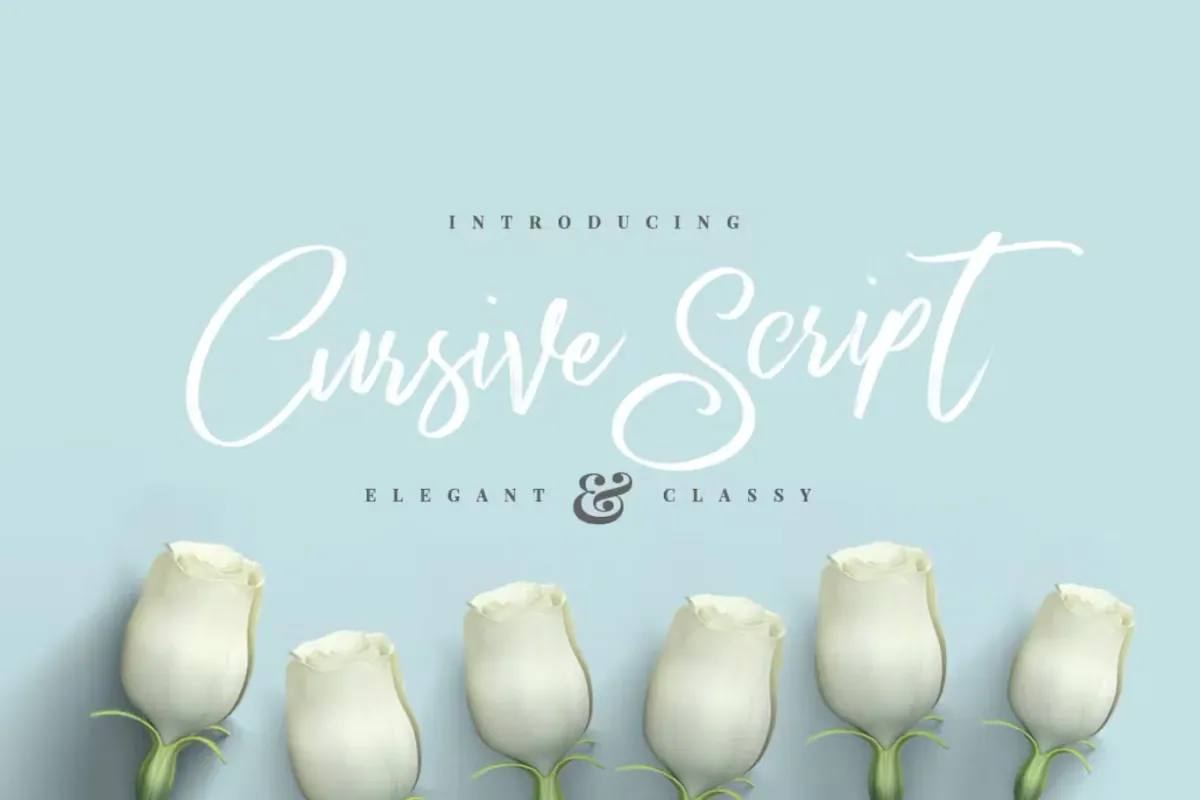
This font features authentic dry brush imperfections and a bouncy baseline. It's ideal for logos, product packaging, and greeting cards, bringing a personal touch to designs.
Quenyland - Cursive Script Font
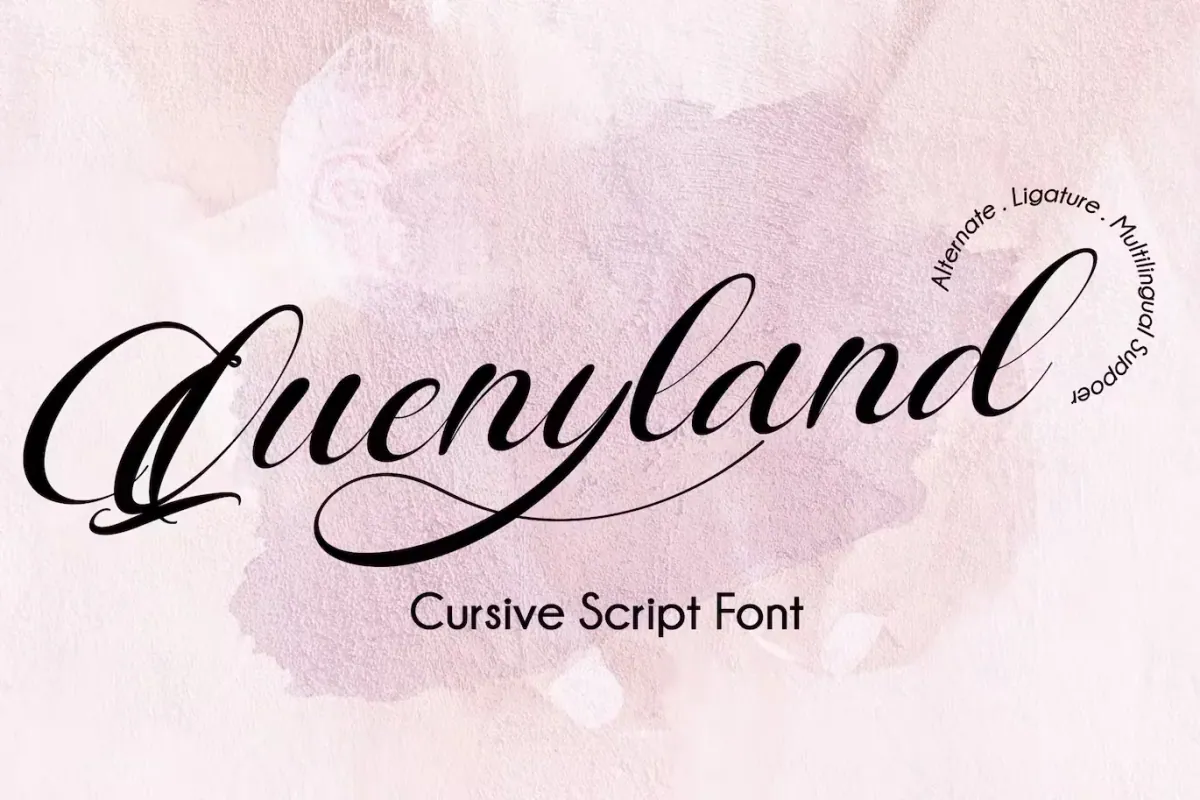
Quenyland, a calligraphy-style font, is perfect for invitations and branding materials. Its beauty enhances greeting cards, business cards, quotes, and posters.
Simplistic and Graceful Fonts
Signature Cursive Font
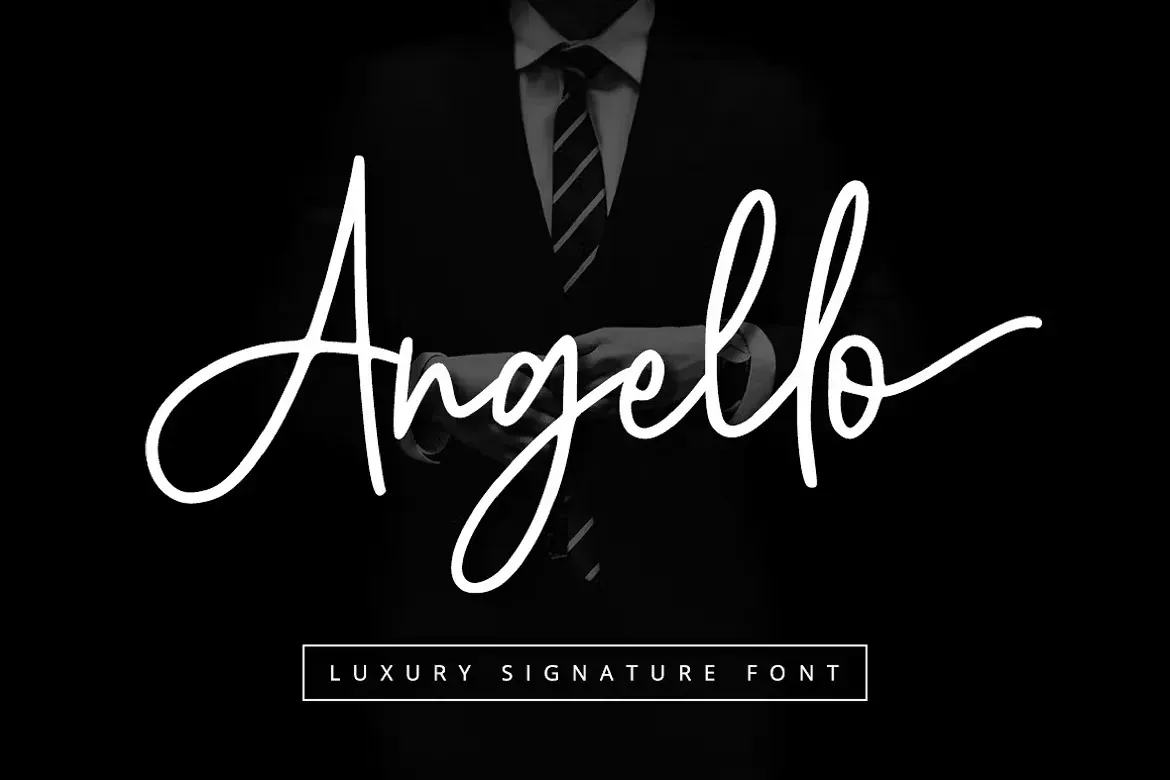
Angello is a simplistic and elegant signature font suitable for various platforms. It's perfect for websites, social media, and printed cards, offering grace and simplicity.
Conclusion
Choosing the right cursive font can significantly impact your project. Whether you're working on a logo, an invitation, or social media content, these cursive fonts provide a range of styles to match any preference. Raise your work with these unique cursive fonts in word.
FAQs: Best Cursive Fonts in Microsoft Word
How can I find custom cursive fonts in Microsoft Word?
First, confirm that you have installed the custom cursive fonts on your computer. Once installed, open Microsoft Word, navigate to the 'Home' tab, and select 'Font' from the dropdown menu. Here, your customised cursive fonts should be included alongside the default fonts. Choose the one you wish to use for your document.
Can I add more personalised cursive fonts in Microsoft Word?
Yes, you can create additional unique cursive fonts. Find a trusted source that sells handwritten fonts that match your style, then download and install them on your computer. Once installed, they will display in Microsoft Word's font list.
Are Microsoft Word's unique cursive fonts free for business use?
This relies on the source of your custom fonts. Check the license or terms of use for each custom font that you download. Some may be free for personal and commercial use, while others may need a purchase or license for business usage.
How can I make my paper stand out with custom cursive fonts in Word?
To make your work stand out, select one of our custom cursive fonts that best fits the tone and style of your writing. To improve the design and give your writing a particular flare, experiment with different sizes, colours, and formatting choices such as bold or italic.